
Meguri
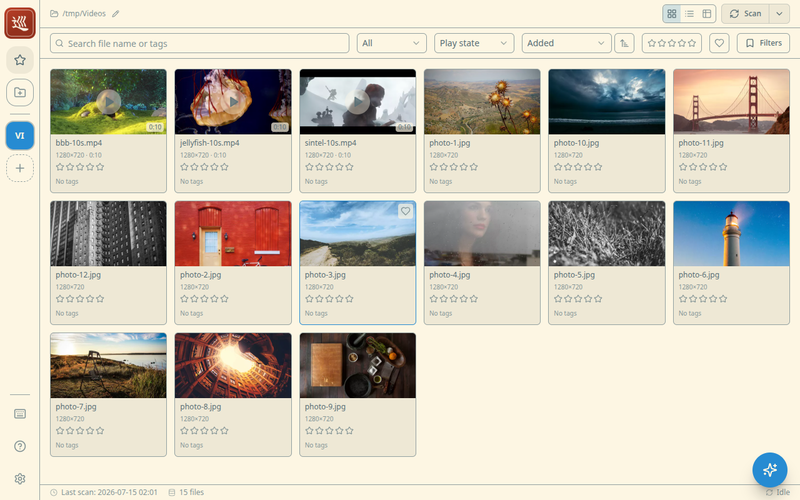
A local-first media library for your videos, photos, and audio — scan, browse, search, and play, all offline. No cloud, no account.
Download
macOS: Meguri is not notarized by Apple, so the first launch is blocked. Allow it once via System Settings → Privacy & Security → Open Anyway. See the guide for details.
Package managers
Arch Linux (AUR) — meguri-bin
meguri-bin is maintained by this project and installs the prebuilt release binaries. Recommended on Arch. Install it with your favorite AUR helper:
yay -S meguri-bin
paru -S meguri-bin
Or build it manually:
git clone https://aur.archlinux.org/meguri-bin.git
cd meguri-bin && makepkg -si
Arch Linux (AUR) — meguri (unofficial)
A third-party meguri package builds from source against the distribution's Electron:
yay -S meguri
It is maintained by a community packager, not by this project: it is unofficial, its build is not verified here, and it may lag behind the latest release. Check its version before installing if you want the newest features.
All downloads are also available on the GitHub Releases page. Meguri never modifies your media files: it reads the folders you point it at, and writes a new file only when you run a command on one.
Highlights
🤖 Auto tagging
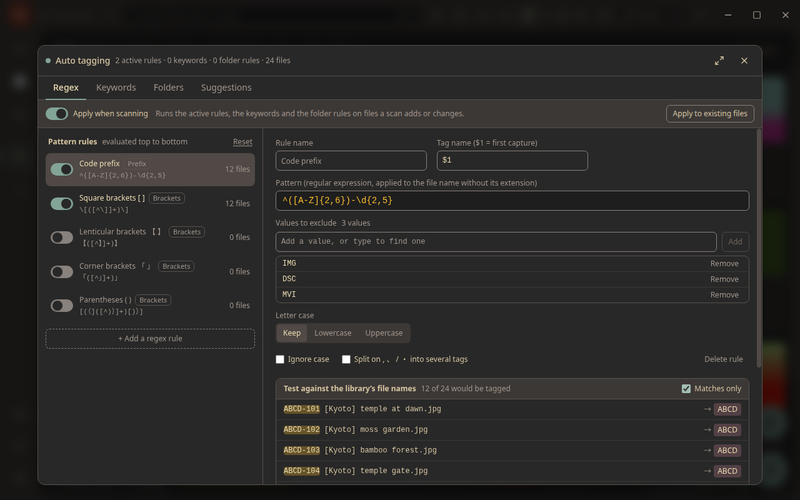
Turn file names and folders into tags with regex rules, keywords, and folder rules, applied on every scan. Suggestions point out the words no rule covers yet. More
🏷️ Tags across workspaces
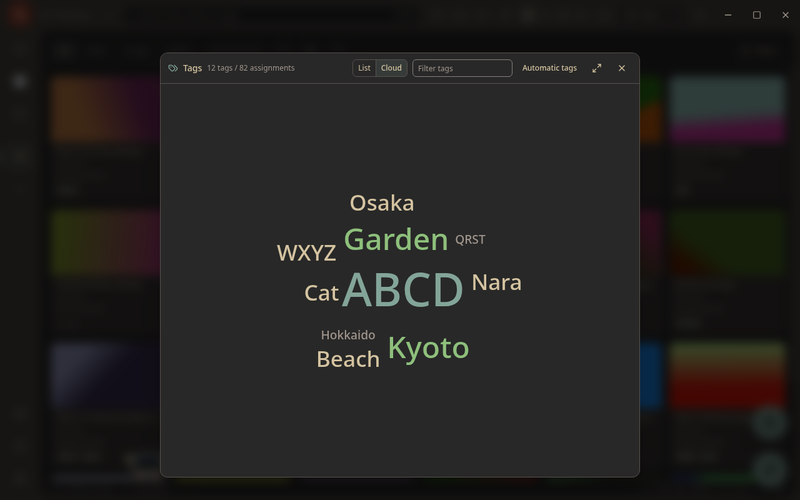
One tag is one tag in every workspace, letter case aside. Rename, merge, or delete tags across workspaces from one screen, and see them as a list or a cloud. More
🕸️ Timeline, graph, and contribution graph
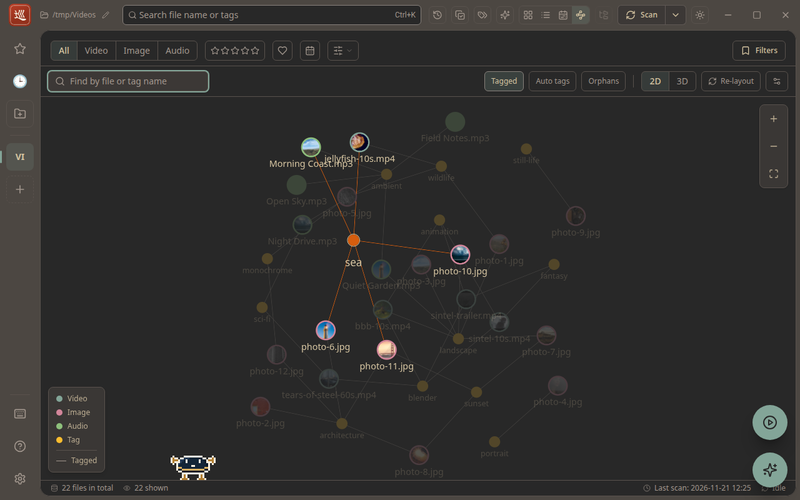
Walk through the library day by day, see files and tags as a network, or narrow the list from a year-long heatmap. More
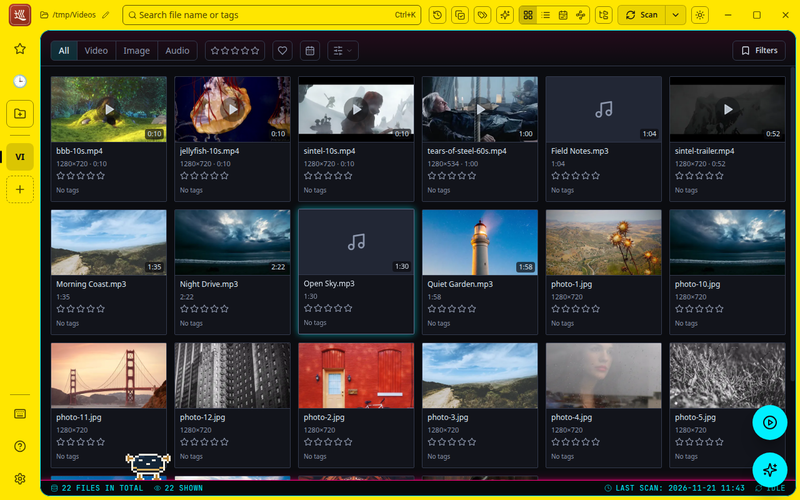
🎨 Themes and custom CSS
Pick a built-in theme, drop in CSS theme files, or restyle anything
with your own custom.css.
More
Also: drag files straight into other apps, a guided tour on first launch, playlists, Discovery, and more — see the User Guide.